Until now, every image model on SparrowCodes was from OpenAI's GPT Image family: very good, but priced for quality first. Most images people make through an API don't need that. Product shots, blog headers, thumbnails and placeholders need to look right and cost little. So we looked for models that do that, tried a long list, and kept six.
The six models and what they cost
| Model | Price per image | Time in our test | Sizes |
|---|---|---|---|
| FLUX 3 Klein | $0.011 | about 10 s | 1K or 2K, 7 aspect ratios |
| Krea 2 Medium Turbo | $0.018 | 15 to 30 s | 1024×1024 |
| Seedream 5.0 Flash | $0.021 | 10 to 20 s | square, landscape, portrait |
| Qwen Image 3 | $0.035 | 75 to 85 s | square, landscape, portrait |
| Nano Banana 2.1 | $0.041 | about 14 s | 1024×1024 |
| FLUX 3 | $0.056 | 20 to 25 s | 1K or 2K, 7 aspect ratios |
The test
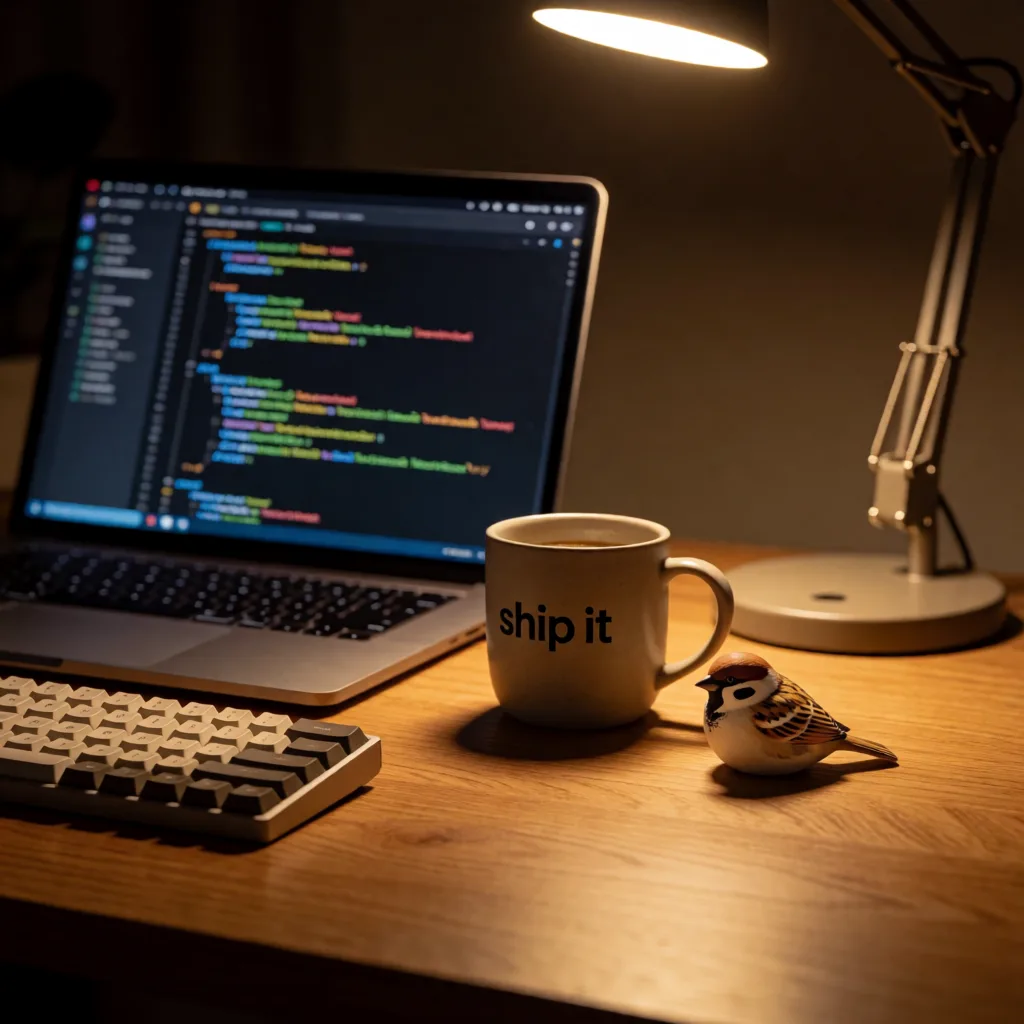
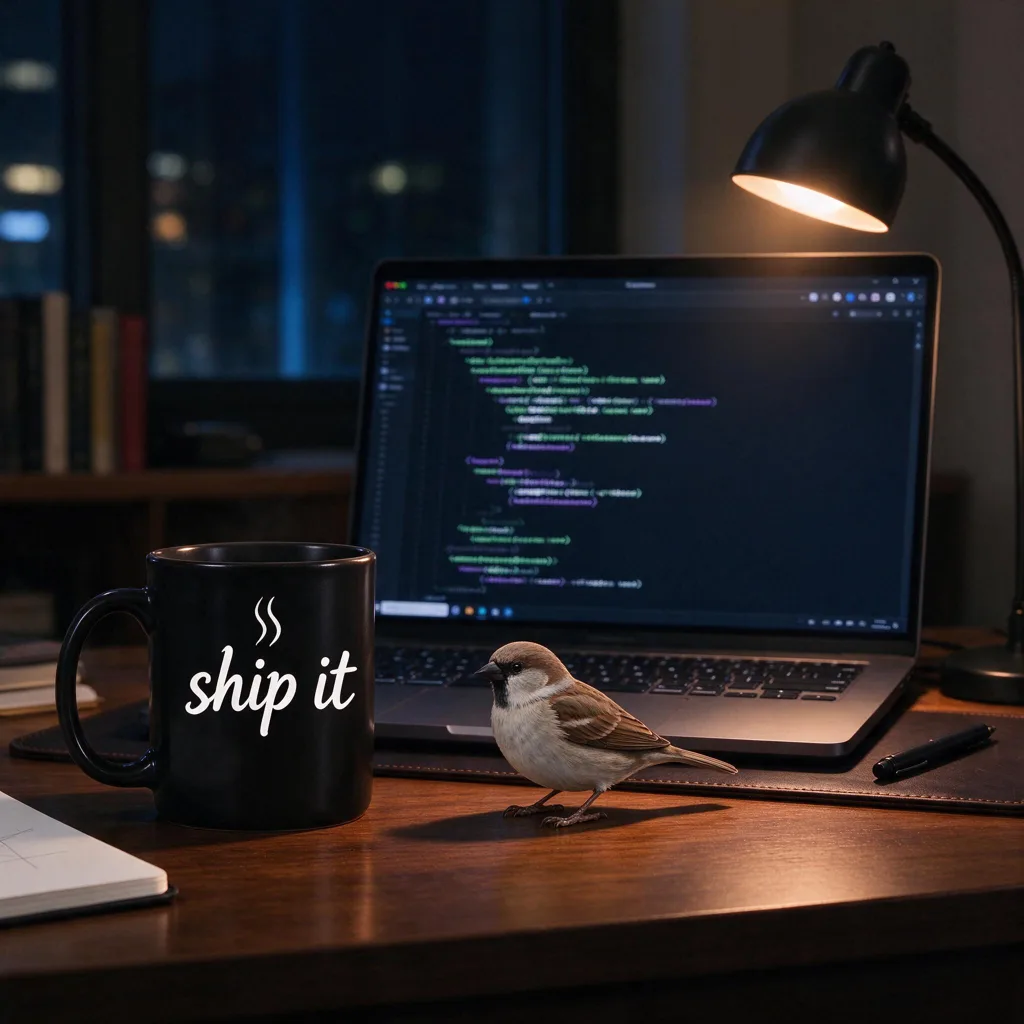
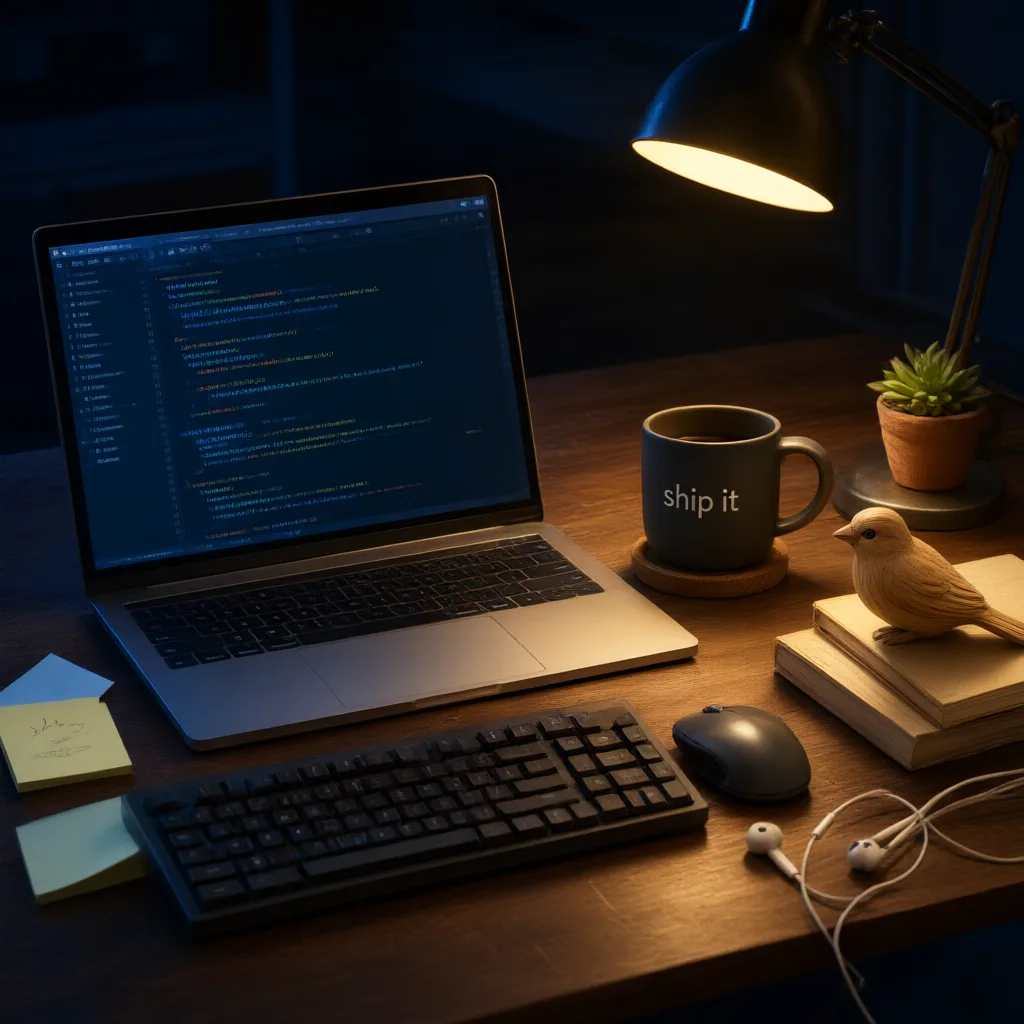
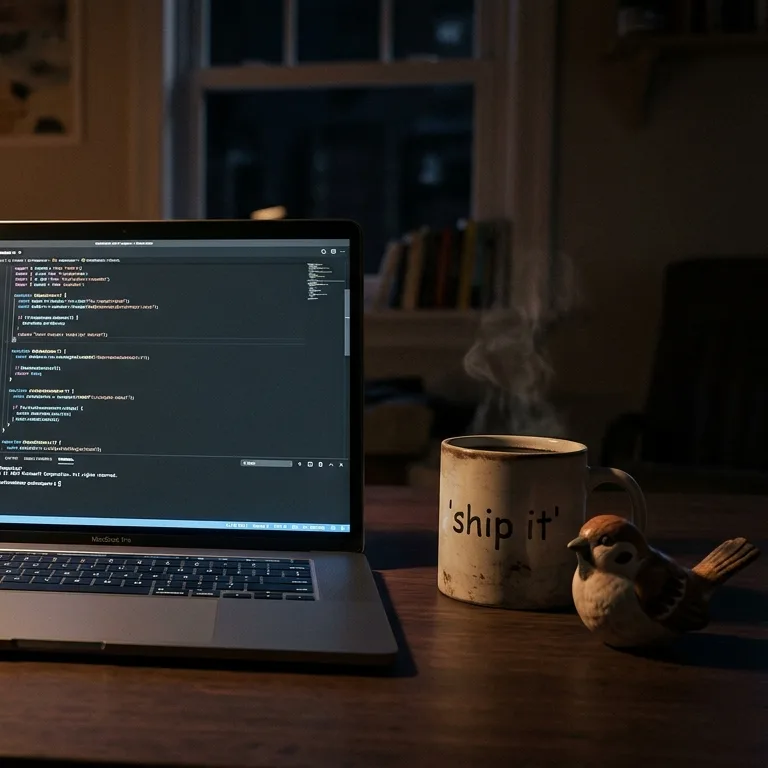
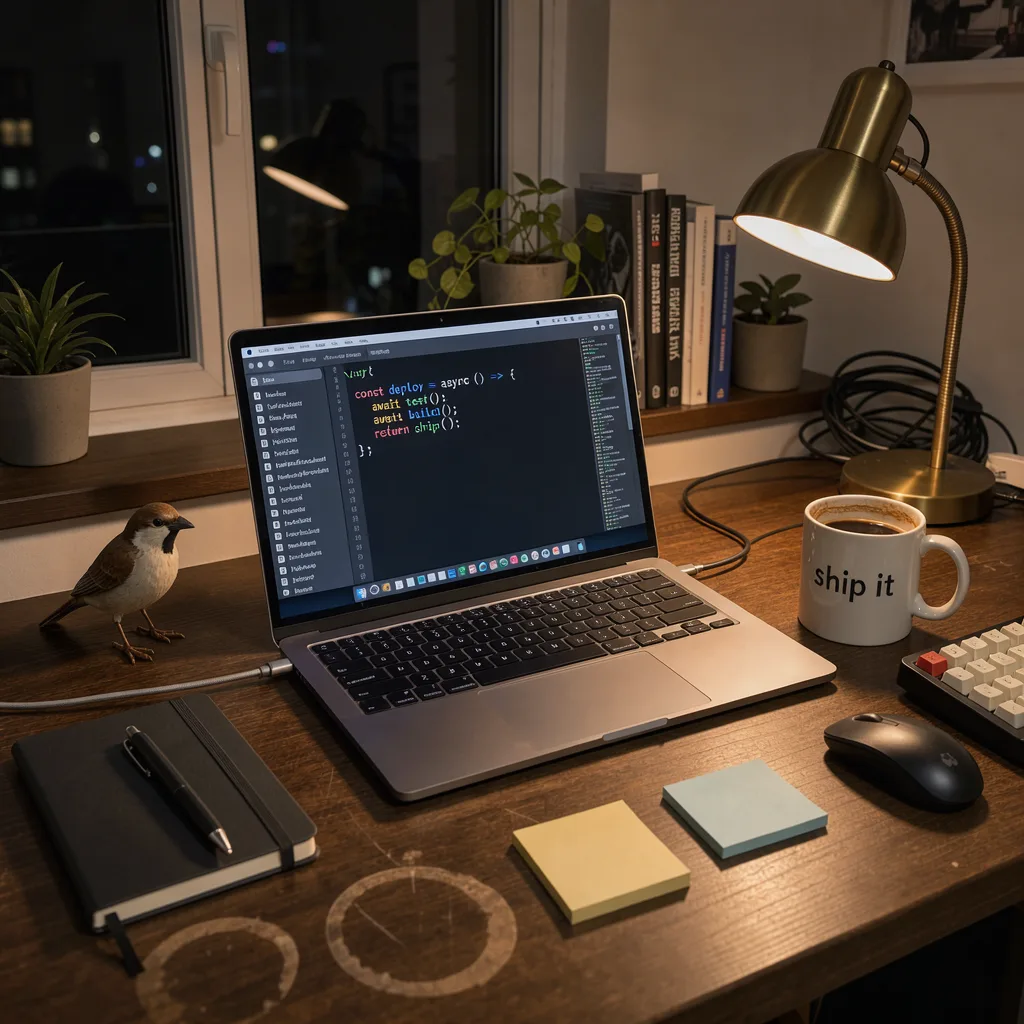
One prompt, one image per model, default settings. The prompt has a small trap: the mug must say ship it. Text inside images is where cheap models used to fall apart, so it's a quick way to tell them apart.
A cozy developer desk at night: laptop showing code, a small sparrow figurine, a coffee mug with the text 'ship it', warm lamp light, photorealistic.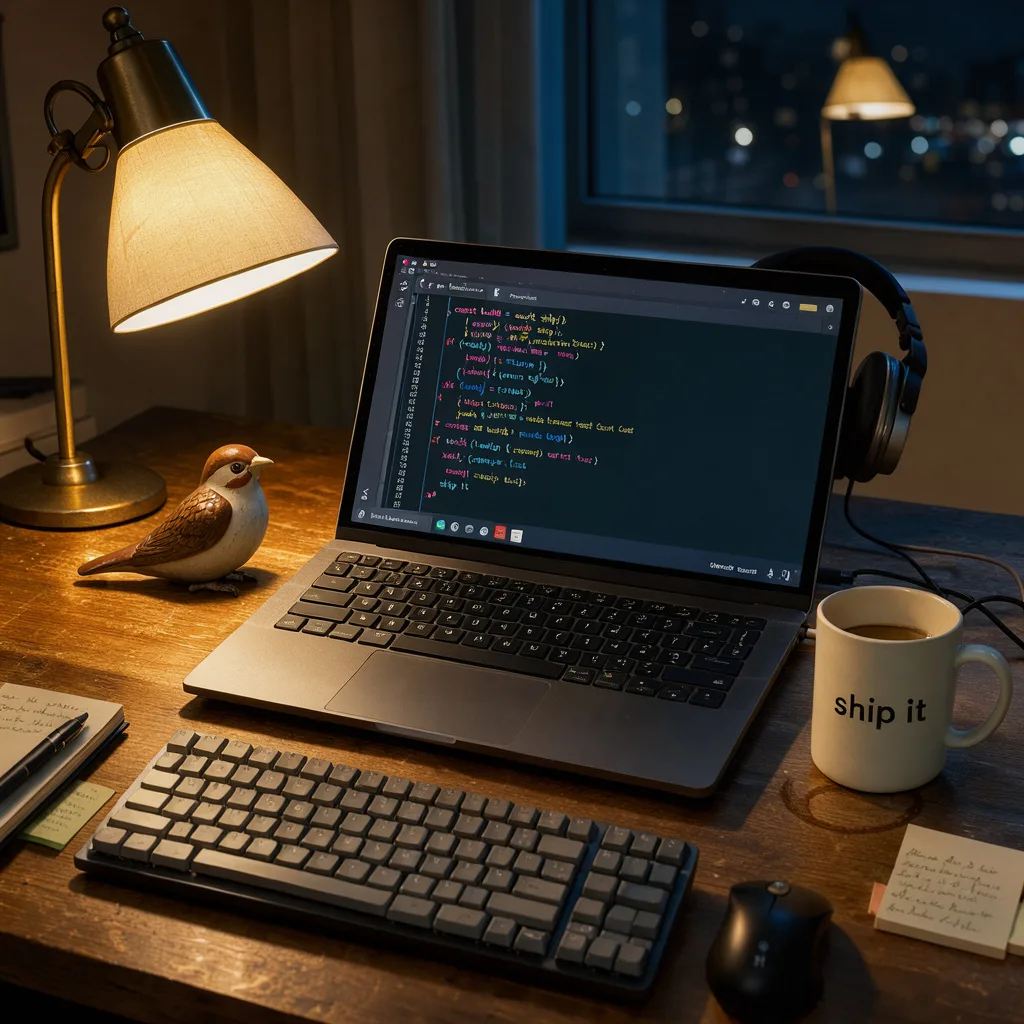
Which one to use
- Most images, lowest cost: FLUX 3 Klein. At $0.011 it is the default we'd reach for.
- Text in the image (posters, labels, thumbnails with words): Seedream 5.0 Flash.
- Photos of people and products: Krea 2 Medium Turbo.
- Long, detailed instructions: Nano Banana 2.1.
- Hero images where quality matters most: FLUX 3, at 2K.
- Chinese text, or detail over speed: Qwen Image 3.
Try one
The image endpoint is OpenAI-compatible, so the OpenAI SDKs work with the SparrowCodes base URL. Ask for up to four images per request; you are charged only for the images you get back.
curl https://api.sparrowcodes.com/v1/images/generations \
  -H "Authorization: Bearer $SPARROWCODES_API_KEY" \
  -H "Content-Type: application/json" \
  -d '{
    "model": "black-forest-labs/flux-3-klein",
    "prompt": "A paper boat on a puddle, morning light",
    "aspect_ratio": "16:9",
    "n": 2
  }'
Without a size, every model makes a square image at its standard size. Each model's page lists the sizes it accepts. You can also try all six without writing code in the dashboard playground.